The 5-Step Dual Camera Dash Cam Hardware Setup
 Maya ChenContributing Editor
July 24, 2026 — Recent shifts in vehicle electronics architecture are forcing a re-evaluation of how consumers approach a Dual Camera Dash Cam installation. While the market is flooded with claims of plug-and-play simplicity, the reality of maintaining a stable 4K dual feed requires more than just a cigarette lighter adapter and a prayer.
The conventional wisdom says that anyone with a plastic pry tool can achieve a professional-grade install in thirty minutes. However, data from consumer advocacy groups suggests that improper cable routing near side-curtain airbags remains a persistent safety oversight in the DIY community. When integrating a high-bitrate system like a dual camera dash cam, the physical placement dictates not just the field of view, but the integrity of the vehicle's safety systems. This is particularly critical when users demand high-performance features such as a dash cam with night vision and parking mode, which necessitates a constant power draw and sophisticated heat dissipation.
The 5-Step Hardware Verification

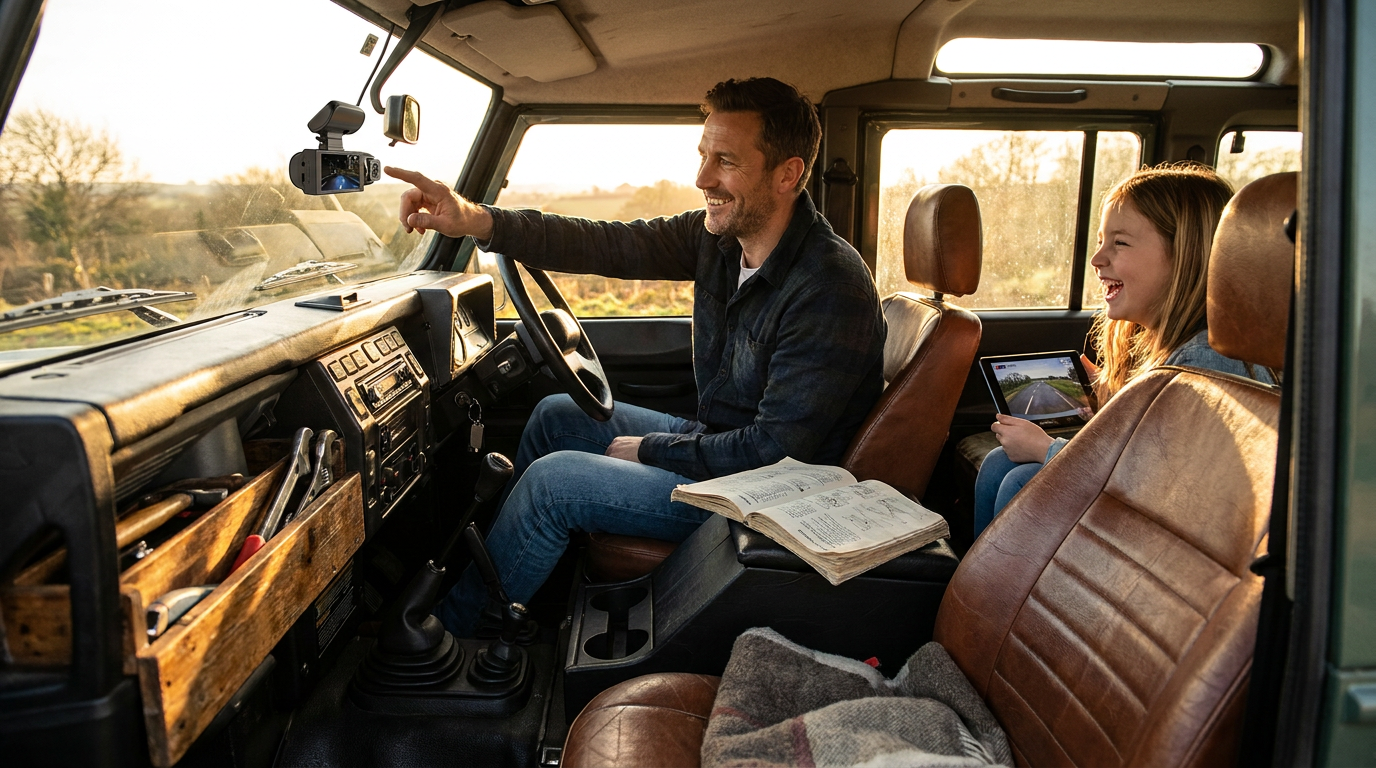
Photo by Valeriia Miller on Pexels
Successful installation begins with power management rather than lens placement. Run the math: a true 4K front and rear dash cam setup pulling 12V/2A will deplete a standard lead-acid battery in less than 48 hours if the low-voltage cutoff is set incorrectly. First, identify a fuse that is switched with the ignition unless you are utilizing a dedicated hardwire kit for parking surveillance. Second, the rear camera cable must be routed through the floor trim or along the headliner, ensuring it never crosses an airbag deployment zone. Third, the front unit should be mounted slightly offset from the rearview mirror to prevent interference with ADAS sensors. Fourth, verify the rear camera orientation; many users inadvertently install these upside down, relying on software flips that degrade resolution. Fifth, perform a thermal stress test by running the system for sixty minutes in a stationary vehicle to ensure the memory card can handle the write speeds without throttling. Current 4K dual dash cam units generate significant internal heat, and a poorly ventilated mounting position will lead to frame drops or sensor noise. While some seek a hidden dual dash cam no wires solution to maintain aesthetics, the hardwired approach remains the only way to guarantee the reliability required for insurance-grade evidence.
Expert tip: Use a high-endurance U3-rated microSD card specifically designed for continuous overwrite cycles; standard cards frequently fail under the 100mbps+ write loads of dual-channel 4K recording.
Here's the part nobody talks about: the obsession with "invisible" wiring often leads to signal interference with DAB radio and GPS modules. If your navigation starts lagging after you tuck your rear camera cable into the roof pillars, you have likely created an electromagnetic interference loop. I'll change my mind when wireless transmission tech can match the 30fps stability of a shielded coaxial cable, but for now, the physical tether is a necessary evil. For those looking for entry-level hardware before committing to a full hardwire project, reviewing best budget dual dash cam reddit picks can provide a baseline for expected power consumption and cable lengths.