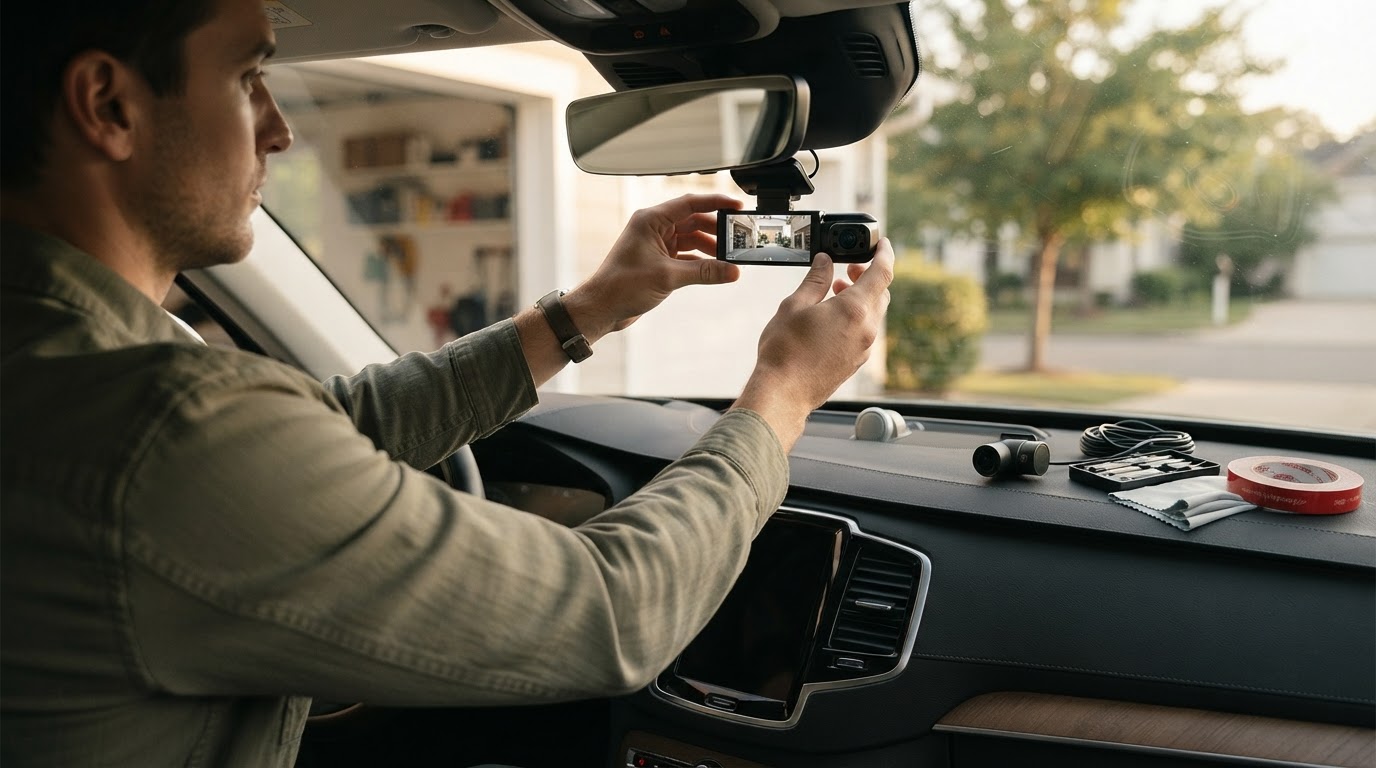
How to Install a Wireless Dual Camera Dash Cam?
 Priya RamanSenior Analyst
October 11, 2026 — Installing a wireless Dual Camera Dash Cam effectively requires a three-axis approach focusing on power source stability, signal path clarity, and physical safety zones.
Modern drivers, particularly those in the rideshare sector or family commuters, often seek wireless solutions to minimize cabin clutter and simplify the technical setup. The challenge lies in balancing the convenience of a wireless signal with the necessity of a constant power supply to ensure the device functions during critical incidents. Two axes matter here: the physical placement for optimal field of view and the electrical routing that avoids interference with vehicle safety systems.
How can cables be managed in a wireless Dual Camera Dash Cam setup?
The decision rule for cable management in a so-called wireless system is to acknowledge that while data may travel wirelessly, power almost always requires a physical tether. Think of it as a matrix of visibility versus accessibility; you want the wires accessible for maintenance but invisible for aesthetics and safety. To achieve this, installers should utilize the vehicle's headliner and weatherstripping to tuck away the necessary power leads for both the front and rear modules.
According to technical insights from Rove, it is possible to achieve a clean installation without removing entire interior panels by using a trim tool to gently pry the edges of the pillars. Once you see it this way, the installation becomes a task of pathfinding rather than mechanical disassembly. For those prioritizing a high-fidelity image, managing the power for a 4k dual dash cam hidden wires setup ensures that the high-bandwidth recording doesn't suffer from voltage drops associated with poor connections.
What are the safety requirements for rear camera placement?
Rear camera placement must prioritize the deployment zones of side-curtain airbags to prevent the dash cam wiring from becoming a projectile during a collision. The decision rule here is absolute: never route a cable across the face of an airbag module. Instead, cables should be routed behind the airbag housing, typically following the factory wiring looms already present in the vehicle's frame.
Expert automotive technician ChrisFix notes that when installing a dual dash camera, the cable should be tucked deep into the weatherstripping or behind the pillar trim to ensure it does not obstruct airbag deployment paths. This step is critical for maintaining the vehicle's structural safety integrity while benefiting from rear-facing surveillance. Users looking for the most straightforward hardware integration might consider the easiest dual dash cam to install, which often features streamlined mounting brackets designed to sit flush against the glass, minimizing the length of exposed cabling.
Quick answers
Q: Does a wireless dual dash cam require any wires at all? A: Yes, most wireless models still require a 12V power cable connected to the cigarette lighter or a hardwire kit to the fuse box. The "wireless" designation typically refers to the Wi-Fi data transfer between the camera and a smartphone or the 2.4GHz link between the front and rear units.
Q: How do you mount a Dual Camera Dash Cam on a vertical rear window? A: For vertical windows often found in trucks or vans, use a 360-degree rotating adhesive mount. Verizon Connect recommends holding the camera upright with the logo facing the interior and ensuring the lens has a clear 140-degree field of view through the swept area of the rear wiper.
Q: Can I install a dual dash cam if my car has side-curtain airbags? A: Yes, but you must route the wires along the floorboards or behind the airbag canisters in the A, B, or C pillars. A 4-step easy install dual camera dash cam review often highlights models that include extra-long 20-foot cables specifically to allow for these safer, longer routing paths.
Q: Where is the best place to tap for power in a dual camera setup? A: The most stable power source is the vehicle's fuse box using an "add-a-circuit" adapter, which allows for parking mode functionality. This method provides a dedicated 5V or 12V feed that does not fluctuate with the vehicle's accessory load.
Learn more about Dual Camera Dash Cam at https://dualcameradashcam.com.
Sources
- HOW TO Install a Front and Rear Dash Cam! (UPDATED Complete ...
- How To Install A Dash Cam | COMPLETE Step By Step Guide
- Installation guide: Dual-Facing AI Dashcam - Verizon Connect