
How to Hide Dash Cam Wires Front and Rear: Pro Installation
 Jordan HaleStaff Writer
How to Hide Dash Cam Wires Front and Rear: Pro Installation
Learning how to hide dash cam wires front and rear is the difference between a cluttered dashboard and a professional finish. Most drivers invest in a 4k dual dash cam with night vision for safety, but dangling cables can obstruct views or interfere with airbags. According to recent automotive safety discussions, improper wire routing is a top cause of device failure and interior rattles. Whether you are a daily commuter or use a dash cam with interior camera capabilities, these techniques ensure your setup is sleek and secure.
Essential Tools for Front and Rear Wire Management
Before you begin learning how to hide dash cam wires front and rear, you need the right tools. A professional approach requires a plastic trim tool, adhesive cable clips, and microfiber cloths. The trim tool allows you to pry back weatherstripping and the headliner without scratching plastic or tearing fabric.
Starting at the windshield, use the tool to create a gap between the glass and headliner for the primary power cable. If you are installing a car camera system front and back, account for the long video cable connecting the units. Avoid using flathead screwdrivers, which often cause permanent gouges.
Routing the Front Camera Power Cable
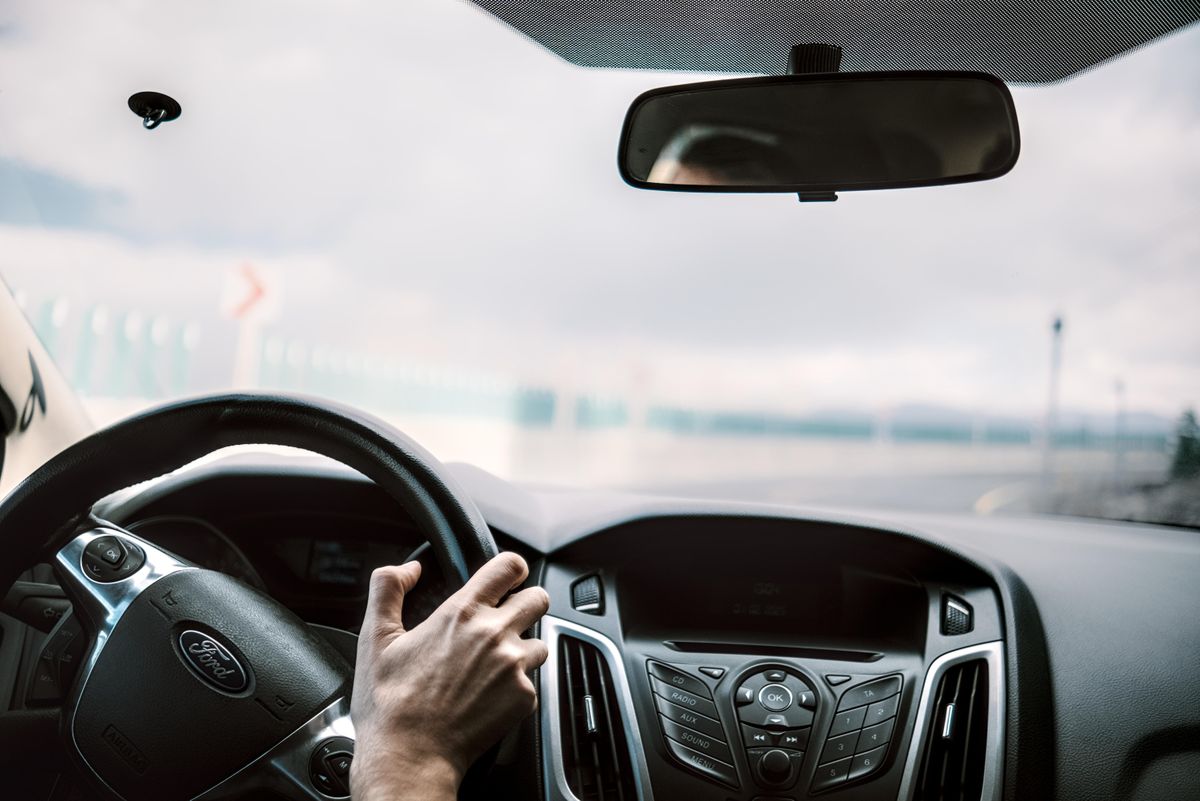
Photo by Abdullah Öğük on Pexels
To effectively hide dash cam wires front and rear, start with the power source. Most units plug into the 12V cigarette lighter or are hardwired to the fuse box. Begin at the camera mount and push the wire into the headliner gap, working toward the A-pillar.
One critical safety tip: always route the wire behind side-curtain airbags. If you tuck the wire across the A-pillar cover, it could become a projectile during deployment. A Dual Camera Dash Cam installation prioritizes safety by securing cables to factory wiring looms with zip ties. Once past the A-pillar, run the wire through the door frame weatherstripping toward the floor mats or glovebox.
[IMAGE: Step-by-step guide on how to hide dash cam wires front and rear using a trim tool on the A-pillar]
Running the Rear Camera Connection Cable
The most challenging part of knowing how to hide dash cam wires front and rear is the stretch to the back window. Experts recommend routing along the roofline to keep cables away from feet and cargo.
Use your trim tool to tuck the cable behind B-pillar and C-pillar plastics. If using a 4k dual dash cam with night vision, this cable is essential for data, so avoid sharp bends that pinch internal wires. Ensure there is enough slack at the hinge point for hatchbacks or SUVs to allow the wire to move freely when the trunk opens.
Concealing Cables in the Rear Hatch
For a hatchback or SUV, the rear hatch requires special attention. Most modern vehicles have rubber grommets (tubes) carrying wires from the body to the trunk lid. To achieve an invisible look, thread your rear camera wire through these tubes.
This prevents the wire from being pinched by the trunk seal. Once through, tuck it behind the plastic trim of the rear window and connect it to the camera. This wired connection provides a more reliable car camera system front and back than wireless alternatives, which may suffer from interference.
[IMAGE: Rear hatch wiring showing how to hide dash cam wires front and rear through rubber weather grommets]
Final Testing and Cable Management
Photo by Ceren Büşra SEVTEKİN on Pexels
The final step is managing excess cable. Coil extra wire neatly and hide it behind the kick panel near the fuse box or under the center console.
Use adhesive clips to secure the wire where it might slip, such as near the rearview mirror. Check the camera's field of view to ensure no wires dangle into the frame. A clean install allows you to focus on the road while your Dual Camera Dash Cam records in 4K.
Conclusion
Understanding how to hide dash cam wires front and rear is essential for aesthetics and safety. By routing behind airbags and utilizing factory grommets, you achieve a professional installation. A clean car camera system front and back ensures your 4k dual dash cam with night vision performs at its peak. For more tips, visit our [INTERNAL LINK: /blog].
Ready to shop?
Upgrade your vehicle's security with our high-performance systems. Our 4K resolution units make it easy to achieve a professional-looking setup. Shop Dual Camera Dash Cam here for premium front and rear coverage.