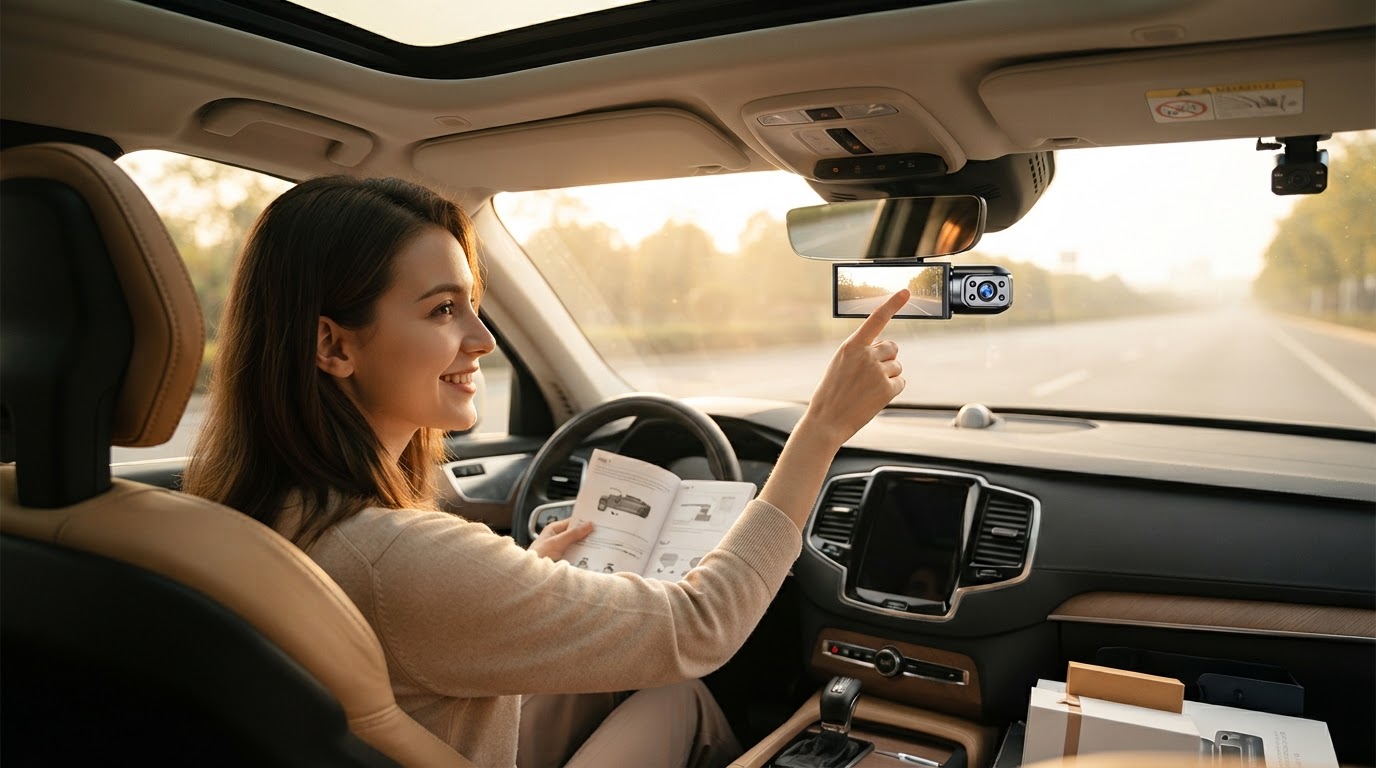
A 4-Step Setup for 4K Dual Camera Dash Cam Systems
 Priya RamanSenior Analyst
August 22, 2026 — The rising demand for ultra-high-definition evidence has positioned the 4K Dual Camera Dash Cam as the new standard for modern road safety and insurance documentation. As drivers increasingly seek native 3840 x 2160 resolution to capture license plate details across multiple lanes, the complexity of managing high-bandwidth data streams and dual-channel wiring has become a primary consumer focus. According to installation experts at DDPAI, a successful setup requires precise identification of ACC and constant power fuses to ensure the system functions correctly without draining the vehicle battery.
The 4-Step Precision Framework
When deploying a high-resolution system, two axes matter here: data integrity and physical concealment. The first axis ensures the 4K stream is recorded without corruption, while the second ensures the hardware does not obstruct the driver's field of view. Think of it as a matrix of power stability and optical positioning. Step one involves mounting the primary unit behind the rearview mirror to minimize distraction while maintaining a centered 140-degree to 170-degree field of view. Step two focuses on the rear-channel cable routing; for SUVs and hatchbacks, this requires feeding the wire through the rubber weather-stripping and the liftgate conduit to prevent cable pinching. Step three is the power integration, where the use of a hardwire kit allows the system to toggle between ignition-based recording and low-bitrate monitoring. Step four is the optimization of the storage medium, requiring a U3-rated microSD card to handle the 4K write speeds. For those prioritizing low-light performance, selecting a dual dash cam with night vision ensures that the 4K sensor’s high pixel density translates into usable footage after dark. Furthermore, integrating a dual dash cam with parking mode during the hardwiring phase provides 24/7 surveillance, utilizing the system's ability to detect motion or impact while the vehicle is stationary. Once you see it this way, the installation becomes a logical progression of securing the power source before finalizing the camera angles.
Expert tip: When installing the rear unit of a Dual Camera Dash Cam, always leave a small loop of slack near the hinge of a hatchback or SUV liftgate to prevent the cable from tensioning and snapping over time.
Selecting the right hardware is only half the battle; the decision rule is to prioritize high-bitrate cables and dedicated power management to support the heavy processing load of 4K sensors. Properly calibrated systems provide the best defense for [rideshare drivers](/blog/dual-camera-dash-cam-night-vision-review) and daily commuters alike, ensuring that parking security is never compromised by poor connectivity.
Sources

Photo by ALEEM UL HASSAN on Pexels
- How To Install Dash Cam? A Step By Step Guide 2025
- How Do You Install A Dash Cam: Step-by-step Guides
- SUV & Hatchback Rear Dash Camera Install