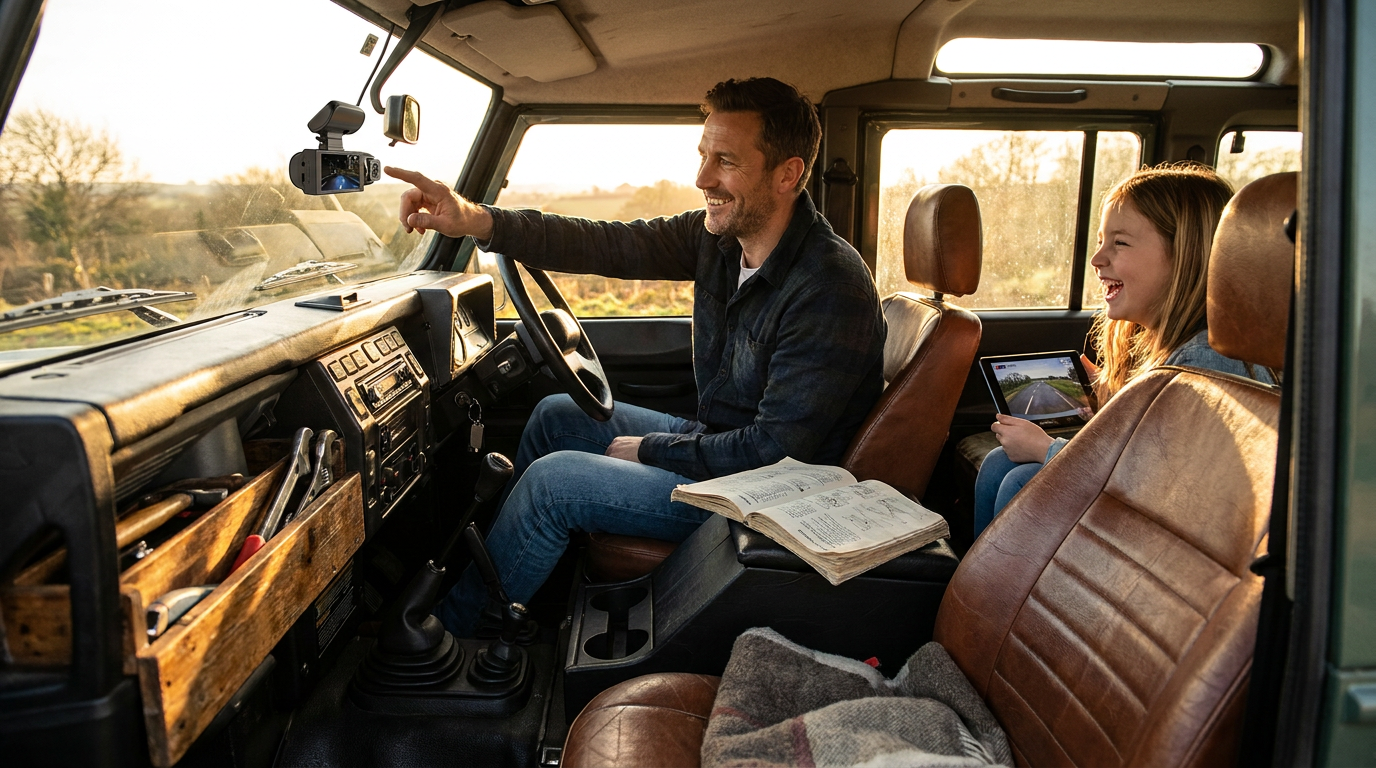
The Flaw in Most Front and Rear Dash Cam Installation Guides
 Maya ChenContributing Editor
The common advice to simply 'tuck' your rear dash cam cable along the headliner is dangerously wrong and can interfere with your side curtain airbags. While it seems like a clean, tool-free solution, forcing a wire into the gap between your interior trim and the vehicle frame ignores a critical safety system. This popular shortcut, promoted in countless DIY videos, creates a significant and unnecessary risk.
Why Tucking a Rear Dash Cam Cable Is a Mistake
The conventional wisdom says to use a plastic pry tool to wedge the rear camera’s USB cable into the seam where the headliner meets the A-pillar and C-pillar trim. Here's the part nobody talks about: this route places the cable directly over the side curtain airbag.
According to the National Highway Traffic Safety Administration (NHTSA), side curtain airbags deploy from the roof rail with explosive force, inflating in milliseconds at speeds up to 200 mph. A cable routed over the airbag can act as a tether, potentially altering the bag’s trajectory or preventing its full deployment. In a worst-case scenario, the deploying airbag can turn the cable and pry tool marks into a high-speed projectile inside the cabin. Furthermore, the constant pressure on the cable can damage its insulation over time, leading to shorts or signal failure, while also causing persistent rattles from the trim.
The Correct Method: Routing Behind the Airbag
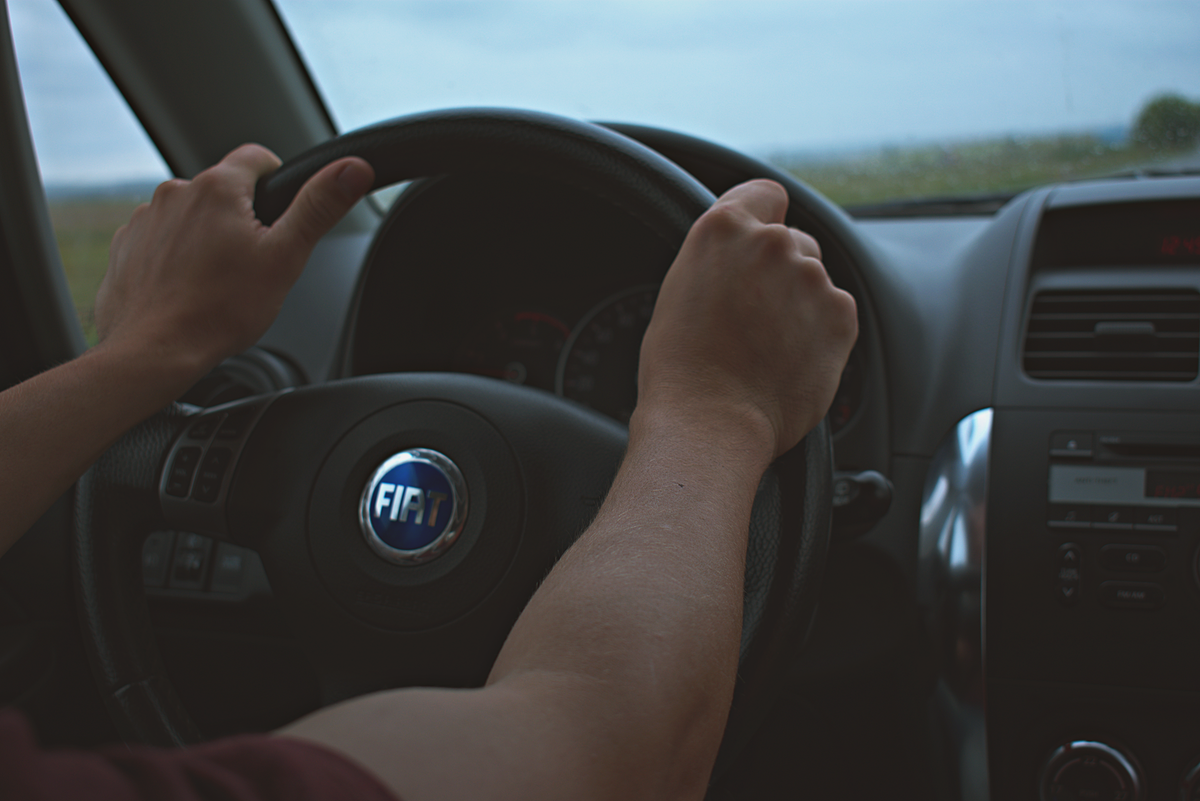
The only professionally acceptable method for routing a wire along the roofline is to run it behind the airbag assembly. This requires the partial removal of the plastic A-pillar and C-pillar trim panels. While this sounds intimidating, it is typically a straightforward process involving a few clips or screws.
Once the trim is popped loose, you can see the rolled or folded airbag module. The cable should be routed behind this entire assembly and secured with zip ties to an existing factory wiring loom. This ensures the cable cannot interfere with the airbag's deployment path. This step is non-negotiable for a safe installation. After securing the cable, the trim panel can be snapped back into place, leaving no visible wires and, more importantly, no new safety hazards.
Powering and Positioning Your Dual Camera Dash Cam
With the rear cable safely routed, powering the system is the final step. For basic operation, the included 12V adapter is sufficient. For users who need parking mode, a hardwire kit connected to the vehicle's fuse box is required. This provides constant power for recording when the ignition is off. The specific dual camera dash cam configurations and features you choose may influence this decision.
Proper camera placement ensures optimal evidence capture. The front unit should be mounted high and centrally on the windshield, typically behind the rearview mirror, to avoid obstructing the driver's view. The rear unit should be placed at the top center of the rear glass. Always test the live view on your smartphone to confirm both cameras have a clear, level perspective, paying attention to the improved clarity offered by superior Dual Camera Dash Cam night vision performance standards.
I'll change my mind when vehicle manufacturers provide a dedicated, pre-built, and shielded channel for aftermarket wiring. Until then, removing the trim is the only valid installation method.
Frequently Asked Questions
Why can't I just tuck the dash cam wire into the headliner?
Simply tucking the wire is unsafe because it positions the cable over the side curtain airbag. In a collision, the airbag deploys with immense force. The cable can hinder this deployment or be launched as a projectile into the cabin. The correct procedure is to remove the pillar trim and route the cable safely behind the airbag assembly.Does hardwiring a dual dash cam drain the car battery?
A properly installed hardwire kit with voltage protection will not drain your battery. These kits are designed to monitor the vehicle's battery voltage and will automatically shut off the dash cam if the voltage drops below a preset level (e.g., 11.8V). This ensures the camera can record in parking mode without leaving you unable to start your car. The value of this feature is a key differentiator when comparing systems like the Wolfbox G840S Mirror Cam vs Dual Camera Dash Cam values.