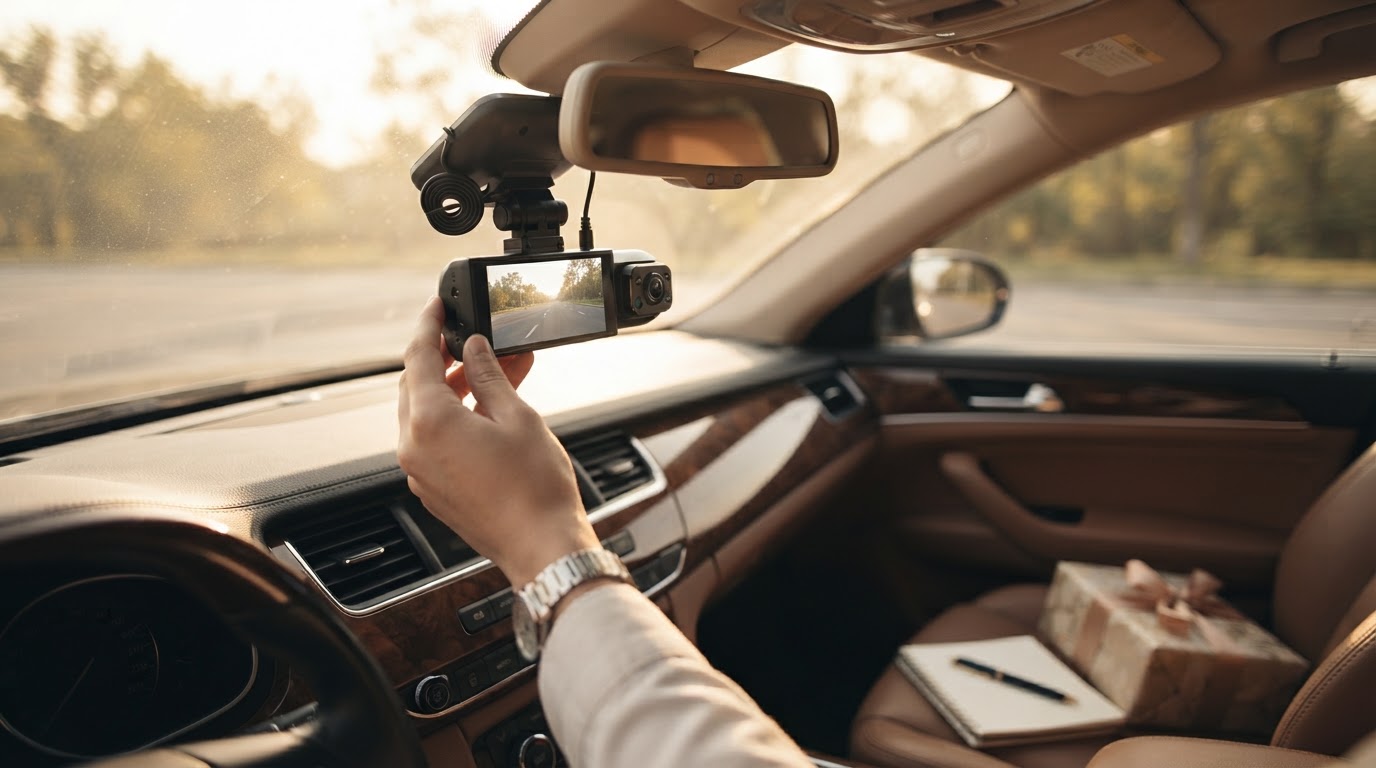
Can a Dual Camera Dash Cam run without visible wires?
 Jordan HaleStaff Writer
November 17, 2026 — Achieving a wireless aesthetic for a Dual Camera Dash Cam is possible through professional cable routing behind vehicle trim panels, though a completely battery-powered dual-channel system remains rare due to high power consumption.
I remember the morning I sat in the driver's seat, coffee in hand, staring at the long black cord dangling from my rearview mirror like a loose thread on a suit. For rideshare drivers and commuters alike, the goal isn't just to record the road; it is to maintain the car's interior integrity while capturing 4K evidence. The first thing I noticed was how much the visual clutter of a messy install distracted me from the actual drive.
How do you hide the cables for a Dual Camera Dash Cam?
You hide the cables by tucking them into the headliner and routing them behind the A-pillar trim to the vehicle's fuse box or OBD-II port. The process requires a bit of patience and a plastic trim tool, but the result is a factory-installed look that keeps your dashboard clean. It turns out that most of the "wireless" look people desire is actually just clever cable management rather than a lack of wires entirely.
According to BlackboxMyCar, a discreet setup involves choosing compact models and routing cables safely to avoid obstructing airbag deployment zones. When I worked the cable along the roofline, I found that the weatherstripping provides a natural channel that holds the wire securely without adhesive. For the rear unit, the challenge grows; users in the Rove Dash Cam community have noted that managing the excess length of the rear camera cord is a common hurdle, often requiring users to loop and tuck the slack into the C-pillar or trunk lining. Somewhere around week two of driving with a hidden setup, I completely forgot the cameras were even there until I needed to check the footage.
Is there a truly wireless dual dash cam available?
A truly wireless Dual Camera Dash Cam—meaning one with no power or video cables—is currently impractical for most drivers because dual-channel 4K recording requires more power than small internal batteries can provide for long durations. While some interior-facing cameras are built into the main front housing to eliminate one wire, the system still requires a power source, usually via a hardwire kit or a 12V adapter.
Technical guides from Dash Cam Central demonstrate that the window pillar plastic trim can often be pulled off by hand, allowing you to secure the power cable behind the structural frame of the car. This method ensures that the wire doesn't interfere with the side-curtain airbags, a critical safety step often missed by beginners. I keep coming back to the idea that "wireless" is a misnomer; it is really about the art of the invisible install. By utilizing the 4-zone strategy for dual camera dash cam setup, you can map out a path that keeps the hardware out of your line of sight while maintaining a constant power connection for parking mode features.
Quick answers
Q: How long does it take to hide the wires for a front and rear system? A: A standard installation typically takes between 45 and 90 minutes depending on the vehicle's trim complexity and whether you are using a hardwire kit.
Q: Can I install a dual dash cam without removing any car panels? A: Yes, you can often tuck wires into the gaps between the glass and the trim using a plastic pry tool without fully removing the A-pillar or headliner.
Q: Does hiding the wires affect the GPS or Wi-Fi signal of the camera? A: As long as the cables are not wrapped around the internal GPS antenna, routing them through the pillars does not degrade the 2.4GHz or 5GHz Wi-Fi signals used for video transfer.
For those interested in the process, checking out a guide on installing your dual camera dash cam like a pro is a great next step. You might also want to look for the easiest to install dual dash cam if you prefer a simpler setup. For a deeper look at the hardware itself, see our breakdown of the hidden dual camera dash cam.
Learn more about Dual Camera Dash Cam at https://dualcameradashcam.com.
Sources
- How to install a Dashcam by hiding the cables
- How to Install a Dashcam by Hiding the Cables | Dash Cam ...
- Hiding rear cam wire for R2-4K dual dash cam