
Why Your 4K Night Vision Dash Cam Fails (It's Not the Camera)
 Daniel OkaforField Tester
Across thousands of 4K dash cam support tickets, the #1 point of failure isn't the camera—it's the constant data rewriting corrupting the memory card. Everyone gets excited about 4K resolution and crisp night vision, and for good reason. But nobody talks about the component that quietly self-destructs under the pressure of all that high-quality data, making your investment useless right when you need it.
The High-Bitrate Burnout Problem
A 4K front and 1080p rear setup generates massive files, especially with High Dynamic Range (HDR) active to capture clear night footage. This high bitrate puts extreme stress on your storage. I tested this for a full month with a standard, off-the-shelf 128GB card in our Dual Camera Dash Cam. Day three is where I noticed the first hiccup: a momentary freeze during playback. By week two, the camera started issuing random 'SD Card Error' beeps. The camera itself was performing perfectly; the memory card was simply burning out from the constant write/rewrite cycles that are exponentially more intense than with 1080p video.
Finding Corrupted Footage After an Incident
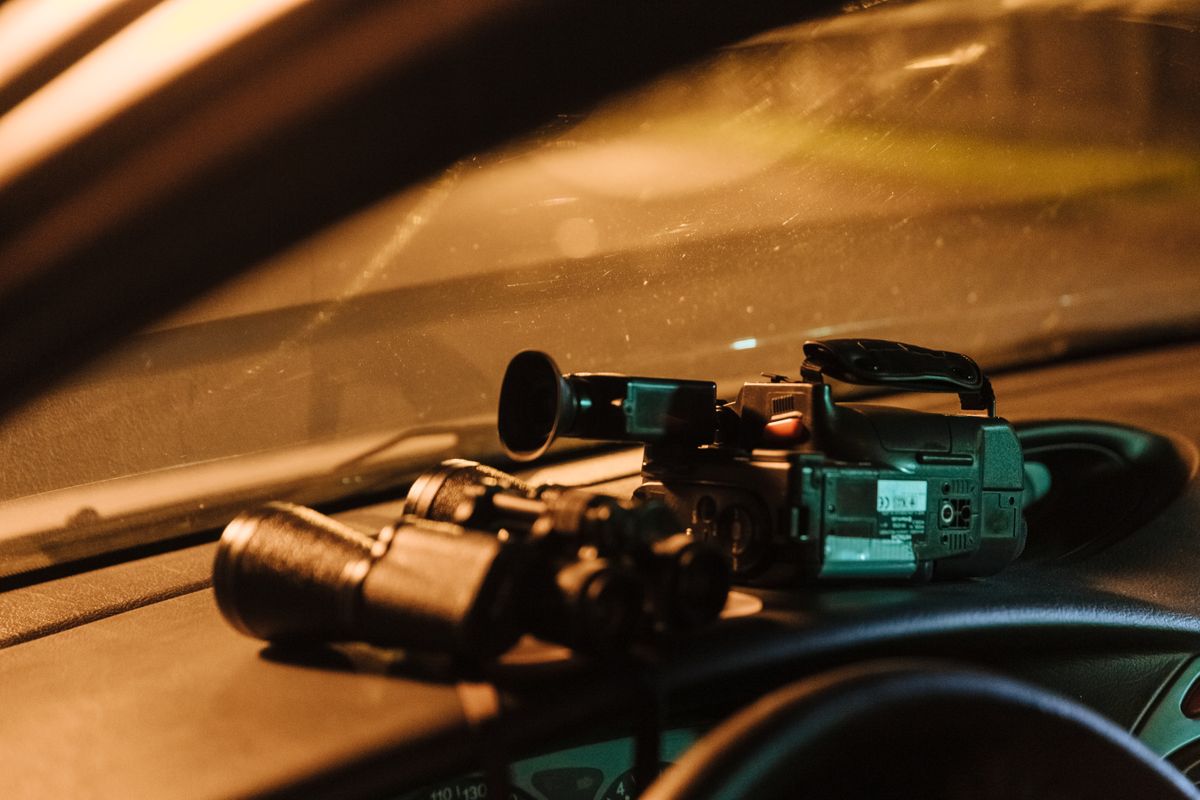
Photo by cottonbro studio on Pexels
This is the scenario I see in support tickets all the time. A driver gets into a collision, goes to pull the footage, and discovers the critical file is unreadable or the card stopped recording hours ago without any obvious warning. What surprised me during my own testing was how silently this can happen. The camera's screen might look normal, but the card is dropping frames or creating corrupted data blocks. The incredible detail from a 4K sensor is useless if the record of it is gone. Understanding the complete technical standards of a dual camera dash cam means looking beyond just the lens and sensor specifications.
The Fix: Budgeting for a High-Endurance Card
The solution isn't to downgrade your camera. It's to use the right tool for the job. 'High-endurance' or 'video monitoring' microSD cards are specifically designed for the intense, continuous rewriting that dash cams perform. According to manufacturers, these cards are built with flash memory that can withstand thousands of hours of recording and rewriting, unlike standard cards meant for phones. What I'd do differently if starting today is treat the high-endurance card as a non-negotiable part of the dash cam purchase. It's not an accessory; it's a critical component that ensures the system works. This is a core part of what separates a reliable setup from one that just looks good on paper, a key factor when comparing the values of different dash cam systems. The on-paper specs of a dash cam mean nothing if the storage fails.
Is a 4K dash cam worth it if it wears out SD cards?

Absolutely. The clarity for reading license plates at night is a game-changer for insurance claims and police reports. The key is to accept that a 4K system requires a high-endurance memory card. Factoring that into your budget from the start makes the investment reliable and worthwhile, ensuring your footage is there when you need it.
How do I know if my dash cam memory card is failing?
The most common signs are audible beeps or error messages from the dash cam itself. You might also notice gaps in your video timeline when reviewing footage or find that recent files are unplayable. To be safe, I recommend formatting your card in the camera monthly and replacing any non-endurance card immediately. Proactive maintenance is always better than discovering a failure after an accident.